Storyboard
See every shot before you shoot it.
Your storyboard is built from your scenes and shot list, so the board and the shot list never drift apart. Generate a frame for each shot in the look you want, or draw and upload your own.
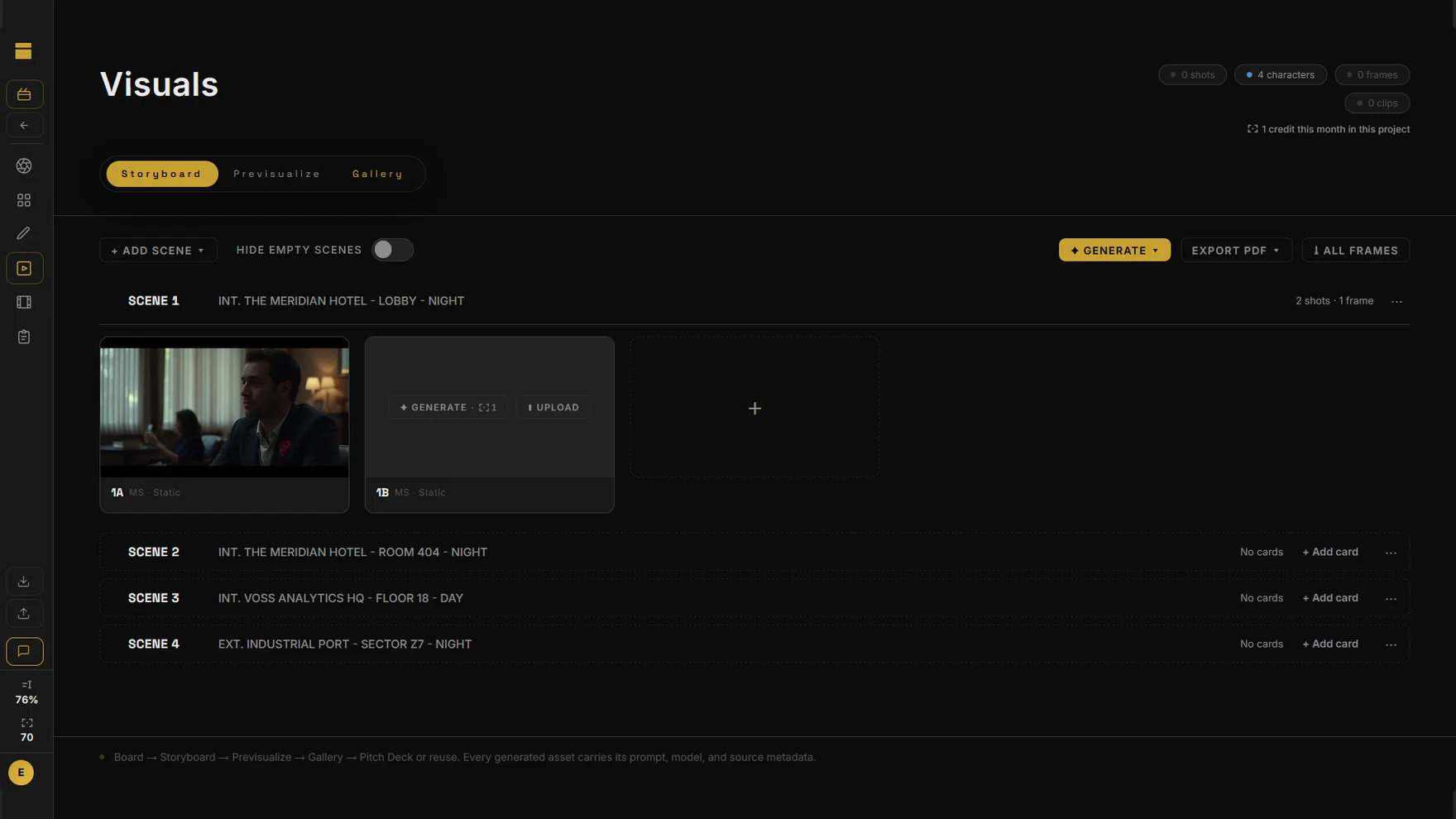
A frame for every shot
- Styles: Cinematic, Ink Board, Pencil Board, Graphic Novel, Noir, Concept Paint or your own.
- Aspect ratios 16:9, 4:3, 1:1 and 9:16, set per shot.
- Pick the characters and location in each shot; add reference images and say what each one is for.
- Generate missing frames in one go and watch them arrive.
- Start from an empty scene, add shots by hand, or bring them in from the script breakdown.
Same face, shot after shot
Give a character a portrait on the Board and DEUX uses it for medium shots and close-ups, so your lead looks like your lead in every frame.
Print, share, move
Print boards to PDF two, six or nine frames to a page. Every frame lands in the gallery with the prompt and model that made it. On Pro, previs turns frames into short clips you can sequence into a reel.
Questions
Do I need to be able to draw?
No. Each shot gets a frame generated from its description, size and movement, or you upload your own image.
How do characters stay consistent?
When a character has a portrait on the Board, medium shots and close-ups use it to keep the same face.
Can I turn frames into moving shots?
Yes, on Pro. Previs turns a frame into a short clip with a camera move, and you can line clips up and export a reel.